
Most people only think about their Wi-Fi when it lets them down. The video call freezes in the back bedroom, the smart TV buffers during the one show everyone wants to watch, and suddenly the router in the hallway feels like the enemy. The good news is that patchy coverage is rarely a mystery. A few practical changes usually fix it, and most of them cost little or nothing.
Many readers also check How to Spot a Phishing Email or Text Before You Click.
Start With Where the Router Lives
Routers tend to end up wherever the internet cable comes into the house. That is often a corner of the living room, behind the TV, or inside a cupboard. Unfortunately, those are some of the worst places for a radio that needs to send signal in every direction.
Wi-Fi spreads outward and slightly downward, and it weakens every time it passes through a wall, a mirror, a fish tank or a large appliance. If you can, move the router somewhere central and raised, like the top of a bookshelf in the middle of the home. Even moving it a couple of metres out of a cabinet can make a noticeable difference.
Things That Quietly Block Signal
- Thick brick or concrete walls, especially in older houses
- Metal objects such as filing cabinets, radiators and fridges
- Large mirrors and aquariums
- Microwaves and some cordless phones, which share similar frequencies
Understand the Two Bands
Most modern routers broadcast on two bands, 2.4 GHz and 5 GHz, and newer ones add 6 GHz as well. The lower band travels further and copes better with walls, but it is slower and more crowded because neighbours use it too. The higher bands are much faster but fade quickly over distance.
A simple rule works well: devices near the router, like a laptop in the same room, should use the faster band. Devices far away, such as a smart plug in the garage, are better off on 2.4 GHz. Many routers handle this automatically through a feature called band steering, so check that it is switched on in the settings.
Pick a Quieter Channel
In flats and busy streets, dozens of networks can overlap on the same channels. Your router may be shouting over the neighbours all day. Most routers have an automatic channel option, but it does not always choose well. A free Wi-Fi analyser app on your phone will show which channels are crowded, and you can switch to a quieter one in the router’s admin page.
For another common grammar confusion, see How to Choose Wireless Earbuds: What Really Matters.
When One Router Is Not Enough
Sometimes the house is simply too big, too long or too solidly built for a single box. That is when you need help spreading the signal.
Range Extenders
Extenders are cheap and easy, but they have limits. They repeat the signal, which often halves the speed, and your devices may cling to the weaker connection instead of switching. They are fine for one problem room, but they are not a great whole-home answer.
Mesh Systems
Mesh kits use two or three matching units that talk to each other and create one network with a single name. Your phone moves between them without you noticing. For most homes with dead zones, mesh is the most reliable fix, and prices have dropped a lot in recent years.
Wired Backhaul
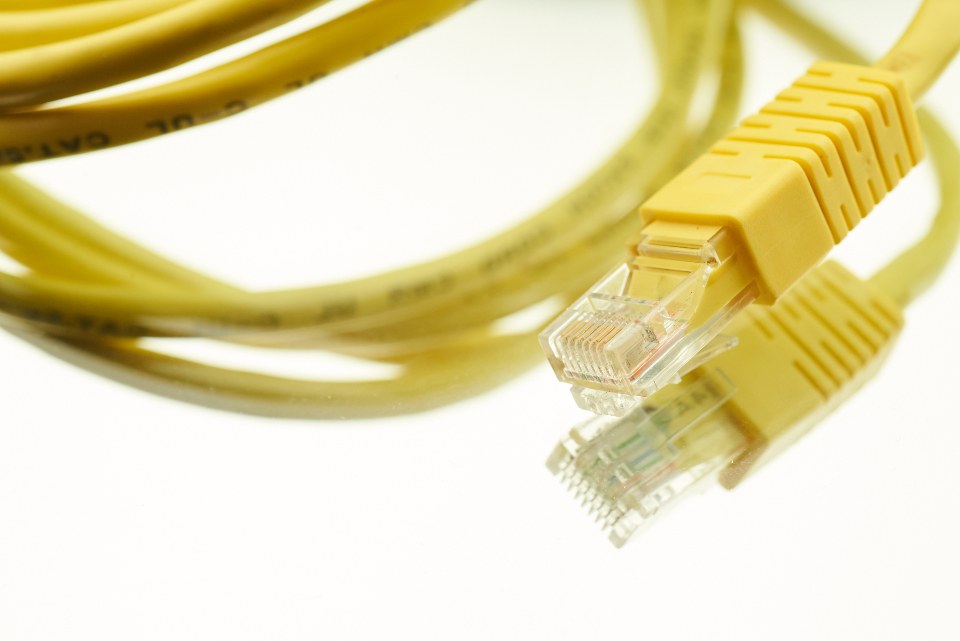
If you can run an Ethernet cable between mesh units, or use powerline adapters through your electrical wiring, the satellites do not have to share wireless bandwidth to talk to each other. The result is faster, steadier speeds in the far rooms.
Do Not Forget the Basics
A surprising number of slow networks come down to housekeeping. Restart the router every so often, and install firmware updates, which often fix bugs and security holes. Change the default admin password and use WPA2 or WPA3 encryption with a long passphrase so your neighbours are not quietly sharing your bandwidth.
It also helps to look at what is connected. Old tablets, forgotten smart bulbs and a games console downloading updates in the background can all eat into your speed. Most router apps now list every device, and you can pause or remove the ones you do not need.
For another common grammar confusion, see How to Clean Up a Cluttered Email Inbox and Keep It Tidy.
Test Before and After
Before you spend money, walk around the house with a speed test app and note the results in each room. Then make one change at a time and test again. This turns guesswork into something you can measure, and it shows you exactly which fix made the difference.
A home network that reaches every room is not about buying the most expensive router on the shelf. It is about placing what you have sensibly, choosing the right band and channel, and adding mesh only where the building really demands it. Get those pieces right and the dead zones usually disappear.